
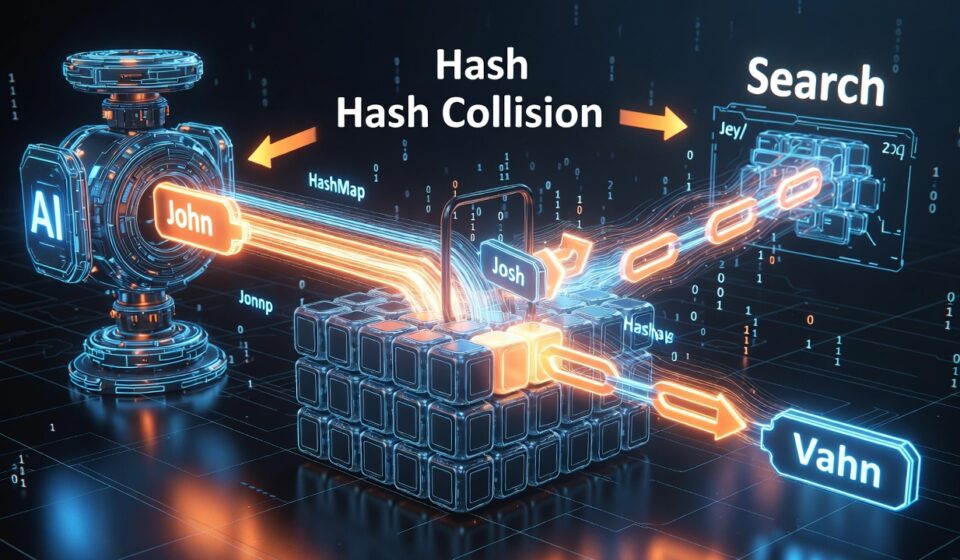
How Hashmap stores values ? What is hash collision ? How store values in case of hash collision in Java ?

1. Internal Structure
A HashMap internally maintains an array of buckets.
HashMap

Index    Bucket
-----    ------
0        null
1        null
2        null
3        null
4        null
5        null
6        null
7        null
...
15       null
Suppose capacity = 16.
2. Storing a Value
map.put("John", 100);Step 1: Calculate hash
hash = hash("John");Java actually does:
hash = key.hashCode() ^ (key.hashCode() >>> 16);Let’s assume:
hash = 53Binary:
53 = 110101Step 2: Find Bucket Index
HashMap uses:
index = (arraySize - 1) & hash;For capacity 16:
n = 16
n - 1 = 15
Binary:
hash = 110101
mask = 001111
----------------
index=000101
Result:
index = 5Step 3: Store Entry
Bucket 5

[John,100]
Current Map:
0  → null
1  → null
2  → null
3  → null
4  → null
5  → [John,100]
6  → null
...
15 → null
3. What is a Hash Collision?
Now insert:
map.put("Alex", 500);Assume:
hash("Alex") = 37Calculate bucket:
37 & 15 = 5Again Bucket 5!
Two different keys map to the same bucket.
This is called a hash collision.
4. How Collision is Stored
Java stores entries as a linked list (or tree later).
Bucket 5

┌───────────┐
│John,100   │
└─────┬─────┘
      │
      ▼
┌───────────┐
│Alex,500   │
└───────────┘
So internally:
Bucket5
   ↓
John → Alex
5. Add Another Collision
map.put("Sara", 300);Assume:
hash("Sara") & 15 = 5Again Bucket 5.
Bucket5

John
 ↓
Alex
 ↓
Sara
6. Retrieving a Value
Now:
map.get("Alex");Step 1
Compute hash
hash("Alex")Assume:
37Step 2
Find bucket
37 & 15 = 5Go directly to Bucket 5.
Bucket5

John
 ↓
Alex
 ↓
Sara
Step 3
Compare Keys Using equals()
Check first node:
"Alex".equals("John")Result:
falseMove next.
Check second node:
"Alex".equals("Alex")Result:
trueReturn:
500Complete Retrieval Flow
get("Alex")

        Key
         │
         ▼
   hashCode()
         │
         ▼
      hash
         │
         ▼
 (n-1) & hash
         │
         ▼
     Bucket 5
         │
         ▼

    John
      │
 equals?
      │
     No
      ▼

    Alex
      │
 equals?
      │
    Yes
      ▼

   Return 500
Why Use (n-1) & hash?
Instead of:
hash % 16Java uses:
(hash & 15)because:
Bitwise AND << much faster than %This works because HashMap capacity is always:
16
32
64
128
256
...
(power of 2)
Java 8 Improvement
Suppose many collisions happen:
Bucket5

John
 ↓
Alex
 ↓
Sara
 ↓
Mike
 ↓
Tom
 ↓
Bob
 ↓
Jack
 ↓
David
 ↓
Emma
Searching becomes slow.
Before Java 8:
Linked List

Time Complexity = O(n)
Java 8+ converts long chains into a Red-Black Tree (when bucket size exceeds 8 and table is sufficiently large).
            John
           /    \
       Alex      Sara
      /            \
   Bob             Tom
Lookup becomes:
O(log n)instead of
O(n)End-to-End HashMap Flow
put("John",100)

        Key
         │
         ▼
     hashCode()
         │
         ▼
  hash = h ^ (h >>> 16)
         │
         ▼
 index = (n-1) & hash
         │
         ▼
     Bucket 5
         │
         ▼
 Store Entry


get("John")

        Key
         │
         ▼
     hashCode()
         │
         ▼
  hash = h ^ (h >>> 16)
         │
         ▼
 index = (n-1) & hash
         │
         ▼
     Bucket 5
         │
         ▼
 Traverse nodes
 using equals()
         │
         ▼
     Return Value
Interview Summary
HashMap stores key-value pairs in an array of buckets. It computes a hash from the key and determines the bucket index using
(tableSize - 1) & hash. If multiple keys map to the same bucket, a hash collision occurs. Java handles collisions using a linked list and, since Java 8, converts long collision chains into a Red-Black Tree. During retrieval, HashMap recalculates the bucket index, traverses the bucket, compares keys usingequals(), and returns the matching value. This gives average-case O(1) performance for put and get operations.
Why different key can have same hashcode?
In Java both can have same hashcode
“FB”.hashCode(); // 2236
“Ea”.hashCode(); // 2236
because Hashcode method can return -> Only 2^32 possible int values.
Why Only 2^32 possible int values?
Because hashCode() method retrun int and int is 32 bit in Java.